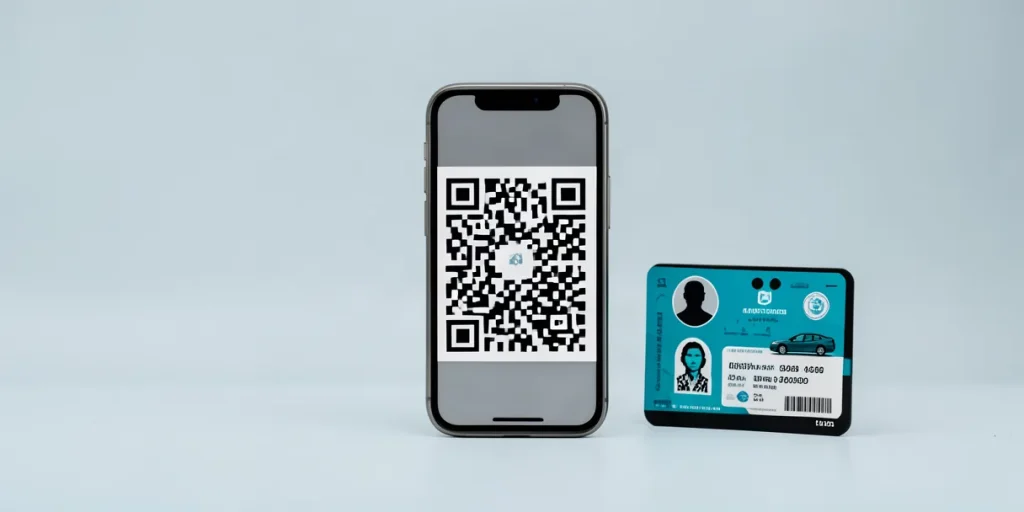
Max now lets drivers present their driver’s license and vehicle registration certificate (STS) through a digital ID. During a roadside check, the driver displays a QR code from the “Transport” tab, which the inspector scans.
How the digital ID works
The code is part of Max’s digital ID. According to the company, it is dynamic, and access is protected by a PIN, Face ID or fingerprint. This means the code can be opened after the user confirms their identity on the device, rather than simply showing an image of a document from the photo gallery.
The digital ID works only on the device where it was created. So you cannot present documents from another phone or transfer the ID like an ordinary photo. Verification requires both parties to take part: the driver opens the code, and the inspector scans it.
Which documents are available
The feature lets drivers show two documents: a driver’s license and an STS. The first confirms the right to drive a car; the second relates to vehicle registration. The “Transport” tab brings together the QR code used to present them.
Max CEO Farit Khusnoyarov said the launch is intended to make things easier for drivers who have forgotten their physical documents and reduce the risk of losing them. However, the availability of the feature in the app does not remove the need to check whether a digital version is accepted in a particular situation and how the inspector carries out the verification.
What changes for drivers
On the road, a digital ID may offer a way to present a license and STS if the documents are not to hand. Drivers need access to the device on which the ID was created and must pass the PIN, Face ID or fingerprint check. Without this, they cannot open the dynamic QR code.
Practical use also depends on the inspector: they need to scan the code to verify it. Max’s announcement describes this process, but does not provide technical details about the verification or explain what to do if there is no connection, the phone runs out of battery or the app malfunctions. Before travelling, it is sensible to keep your physical documents with you until you know how the digital ID works in your situation.
What has not yet been clarified
The company has not said what additional information the inspector will see after scanning the QR code or exactly how the authenticity of each document is confirmed. It has also not explained what to do if the digital ID is unavailable or the device on which it was created is lost.
It also remains unclear in which circumstances showing documents digitally fully replaces presenting physical cards. Check these conditions with Max and consult official guidance for drivers before relying solely on your phone.